✅ Setup saved! Your details now drive every module, till and dashboard on this device.
Opening your till now. You can return to My Business for the owner dashboard at any time.
Opening your till now. You can return to My Business for the owner dashboard at any time.
Step 1: Business Profile & Tax Registration
Enter official merchant identity, ownership details, and statutory VAT status
Displayed on POS receipts, shelf tags, and customer tax invoices
Authorized executive for general ledger audits and eFiling sign-offs
10 to 13 digit statutory tax identification number
Default outlet assigned to POS terminal shifts and inventory counts
Country, currency and language are set here. Confirm the merchant’s registrations, product tax treatment and e-invoice provider before trading or filing.
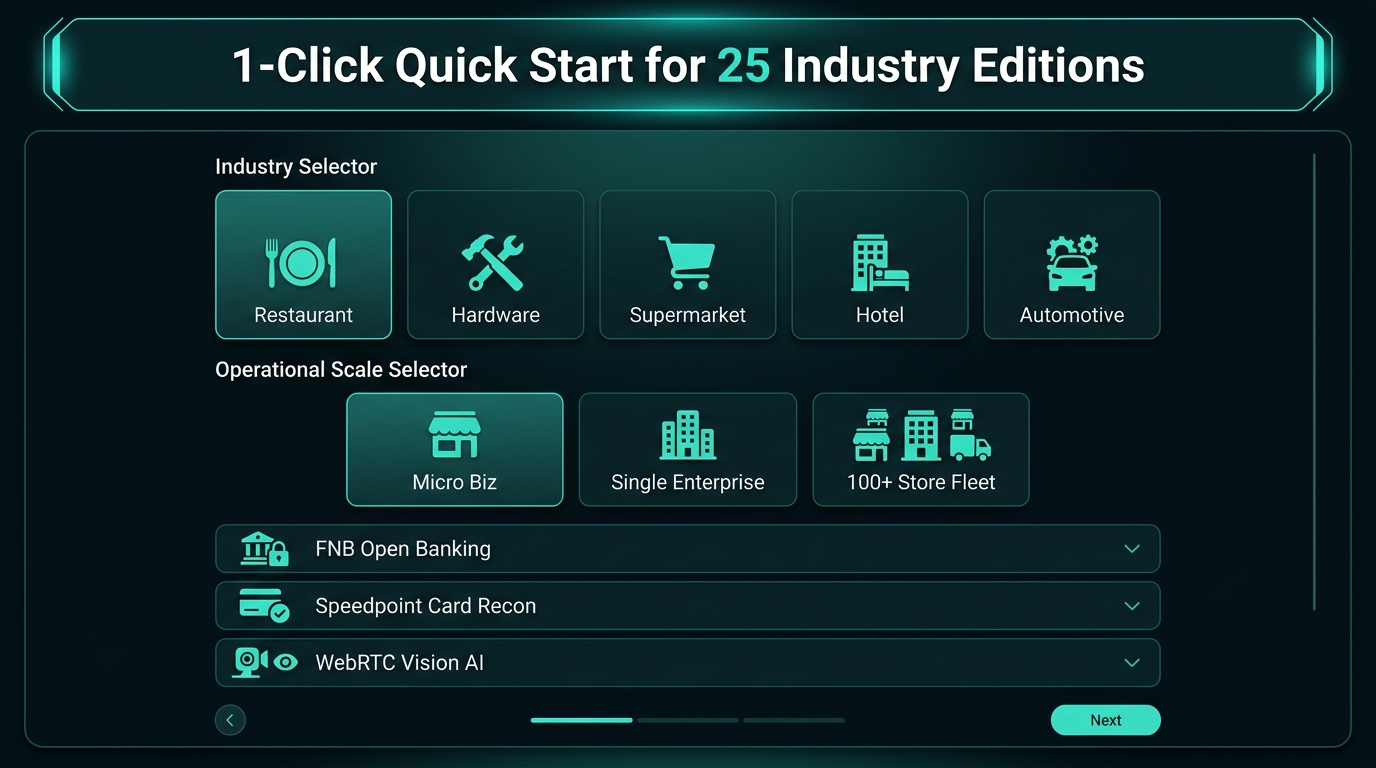
Step 2: Selected Industry Sector & Template *
Choose your specialized vertical operating modelStep 3: Country Jurisdiction, Currency & Statutory Tax Regime
Select country to configure localized VAT/GST, e-invoicing laws, and base currencyOptional South Africa Barcode Register Help
Off by default. Turn it on only where you want an unknown barcode to suggest product details from IntelliVision's bundled offline register. Products already in your own stock list always scan normally.Nothing is enabled. The register never supplies or assumes selling price, purchase cost or tax treatment.
Supermarket Counters, Customer Screen & Expiry Control
Start small and switch on only what this store uses. These controls can be changed later without rebuilding the business.Fresh departments used by this store
Step 4: Review Profile & Complete Setup
Review your configured merchant tenant settings before activationTrading Business
Apex Flagship Enterprise
Owner / Director
Director Johan v/d Berg
Industry Model
RESTAURANT
Country & Currency
South Africa (ZAR)
VAT Status
No (Exempt / Below Threshold)
Main Branch
Flagship Store (Branch #01)
Barcode Register Help
Off in all three areas
Customer Screen
Enabled
Fresh Departments
Fruit & vegetables
Expiry Control
Off by default