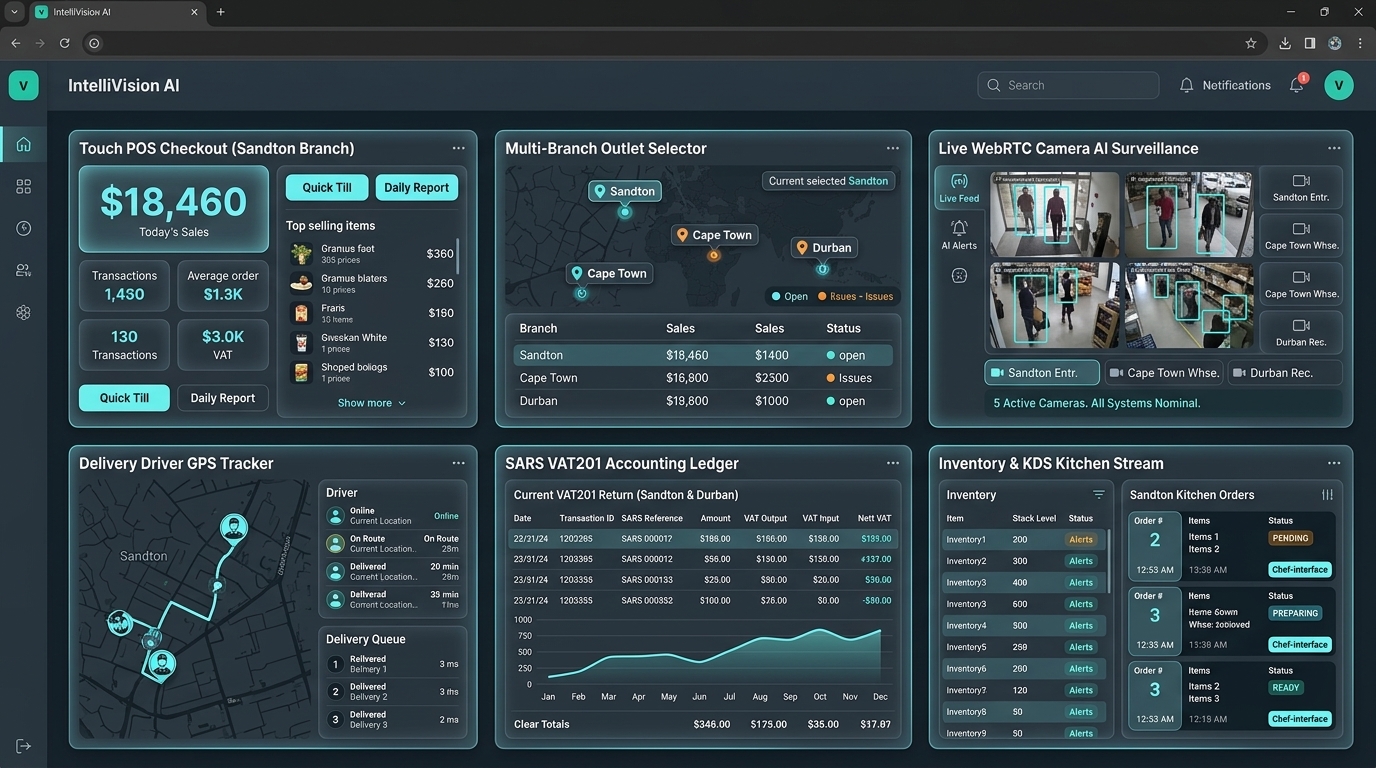
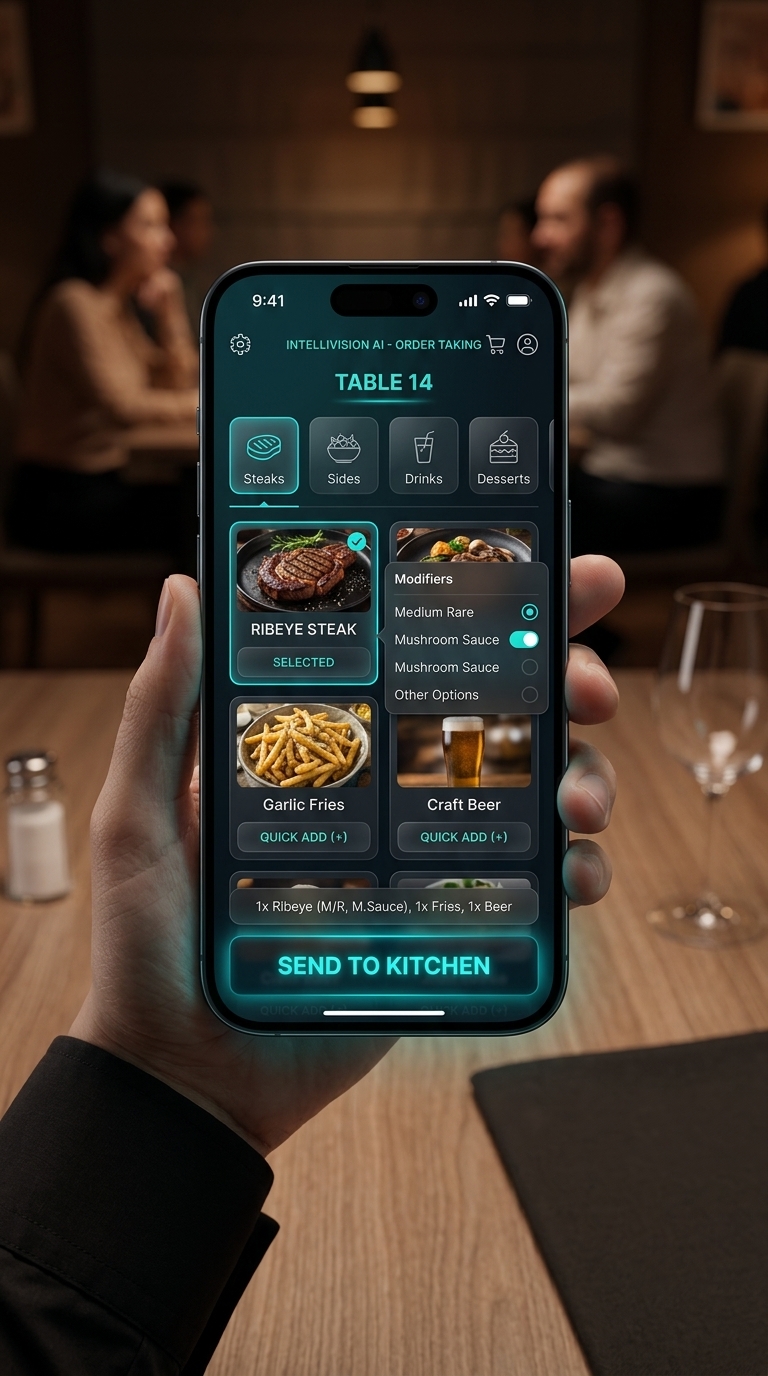
🎨 Design preview — this screen is a concept render, not a working tool yet. The working business setup lives at Business Setup (the real wizard).
Logo Turnkey Modular Hardware Store Setup Wizard
⚡ SCALABLE ONBOARDING ENGINE ONLINE Executive Dashboard →
🏢 Fixed Asset Register
🚀 FAST TRACK ONE-MAN SHOW / CONTAINER SHOP MODE

Need to start selling hardware & tools in under 10 seconds?

Skip advanced modules now! Click below to initialize a clean POS till & inventory list. You can return anytime to configure Timber Yard Gate AI, Paint Tinting, and SARS VAT tax settings.

Choose Your Hardware Store Scale & Operational Tier:

🔨
Tier 1: Tiny Shop / Container Store 1 POS Till • Retail Tools & Fasteners • No Yard Gate AI

🌲
Tier 2: Single Commercial Timber Yard Trade POS • Contractor Credit • Timber Cut Calc
🏗️
Tier 3: Enterprise Multi-Yard Fleet (20+ Yards) Gate ALPR AI • Tool Hire • Panel Saw CNC • SARS VAT201

System Modules & Fine-Tuning Settings:

Toggle any module ON/OFF or click Save to apply.
📍 Module 1: Store Identity & SARS VAT Registration
REQUIRED BASIC
💳 Module 2: Contractor Trade Credit Accounts & RFQ Tender Costing
ACTIVE (OPTIONAL)
Enable Contractor Credit Limit Accounts (R 150,000.00 default)
Enable Commercial RFQ / BOQ Tender Quotation Engine
🪚 Module 3: Timber & Sheet Board Cut Diagram Optimizer
ACTIVE (OPTIONAL)
Enable Panel Saw G-Code Cut Diagram Optimizer (Blade Kerf 3.2mm)
Enable PVC Edge-Banding Linear Meter Charge Calculation
🎨 Module 4: Paint Tinting Station & Tool Hire Rental Fleet
ACTIVE (OPTIONAL)
Plascon / Dulux Spectrophotometer Paint Tinting Machine Interface
Tool Hire & Heavy Machinery Security Deposit Escrow Register
🚧 Module 5: Timber Yard Gate Barrier & Truck License Plate ALPR AI
ACTIVE (OPTIONAL)
Automated License Plate Recognition (ALPR) Truck Camera AI
Gate Dispatch Pass #DP-24731 Verification & Automated Boom Gate Control
HARDWARE SYSTEM CONFIGURATION STATUS:
TIER 1 (TINY SHOP / CONTAINER STORE) READY

Desktop & Mobile Rendered UI Screenshot Reference

💻 DESKTOP 1080P INTERFACE RENDER: Desktop View
📱 MOBILE PHONE APP RENDER: Mobile View